
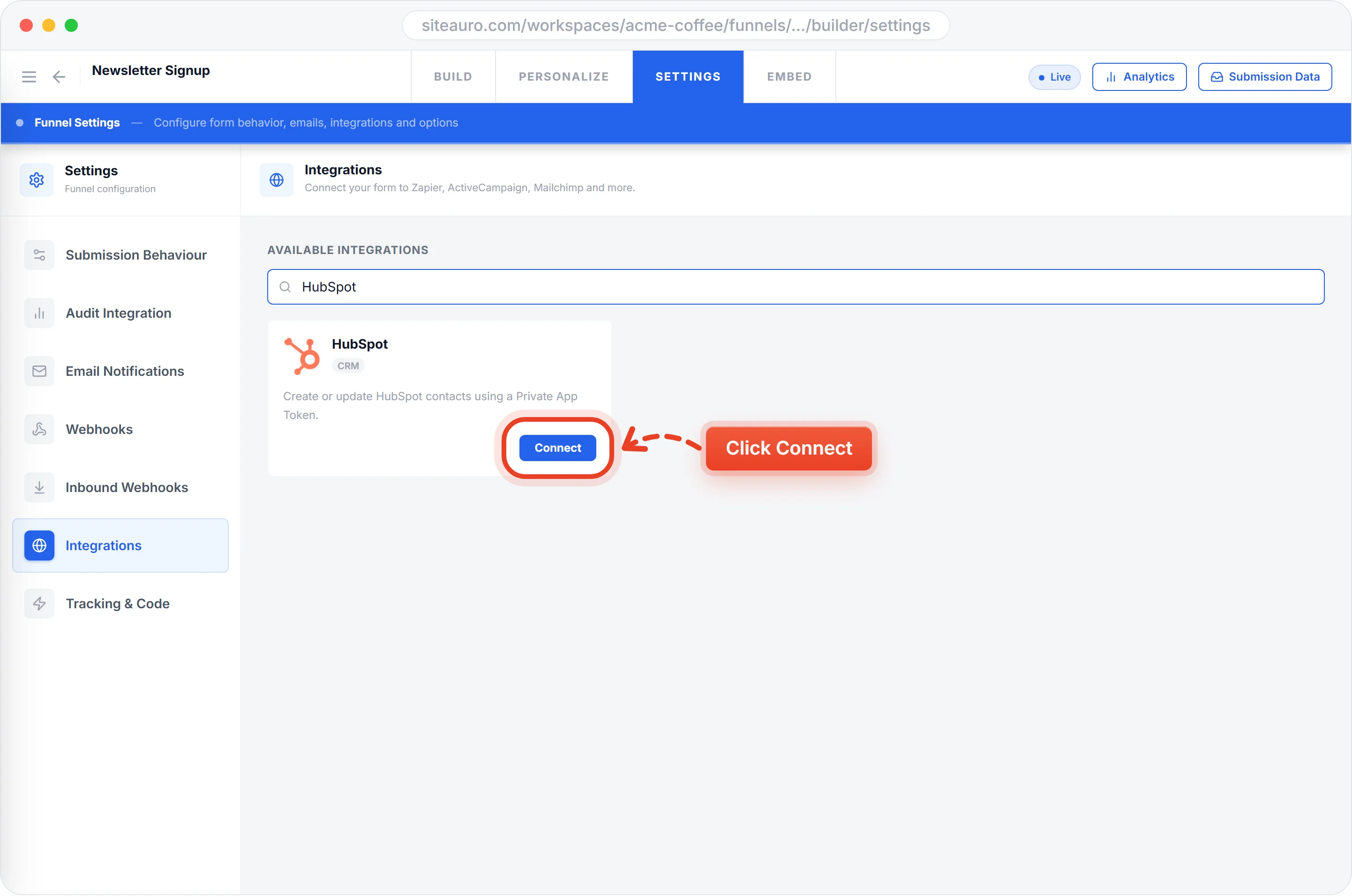
Besides Zapier, a funnel can send its submissions straight to seven other tools. Each one is connected per funnel: open the funnel in the builder, click SETTINGS, choose Integrations, then Connect on the tool you want.
There are two kinds:
- Automation tools (Make.com, Pabbly Connect) take a webhook address, like Zapier.
- CRMs and email tools (HubSpot, GoHighLevel, Mailchimp, ActiveCampaign, Kit) take a key from your account, then ask you to Select List and Map Fields: which list or audience the contacts go to, and which answer goes in which of their fields.
Connect Yours
Make.com
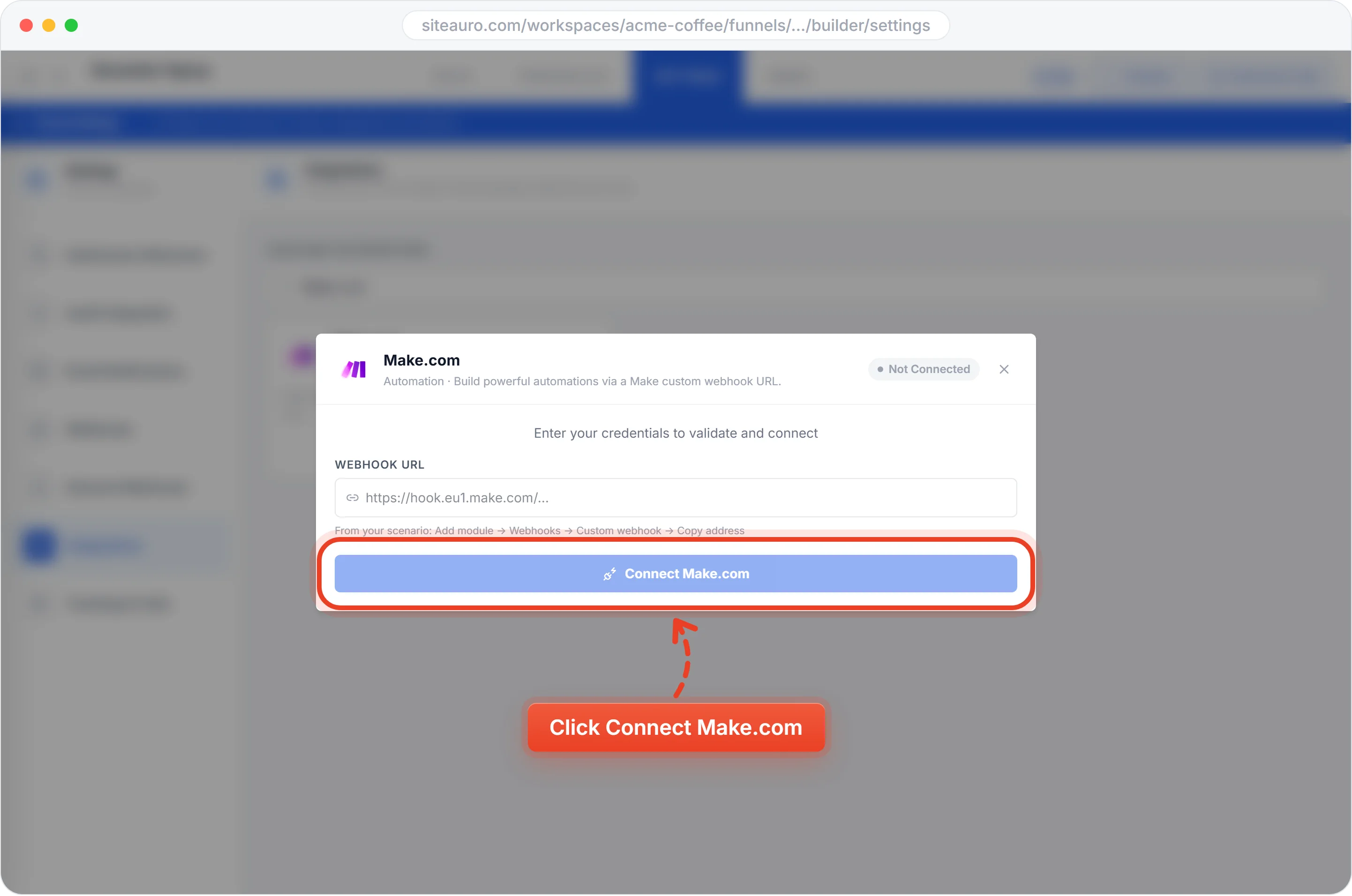
- In your Make scenario, add a module: Webhooks, then Custom webhook, and copy its address.
- In SiteAuro, click Connect on Make.com, paste it into Webhook URL and click Connect Make.com.
Pabbly Connect
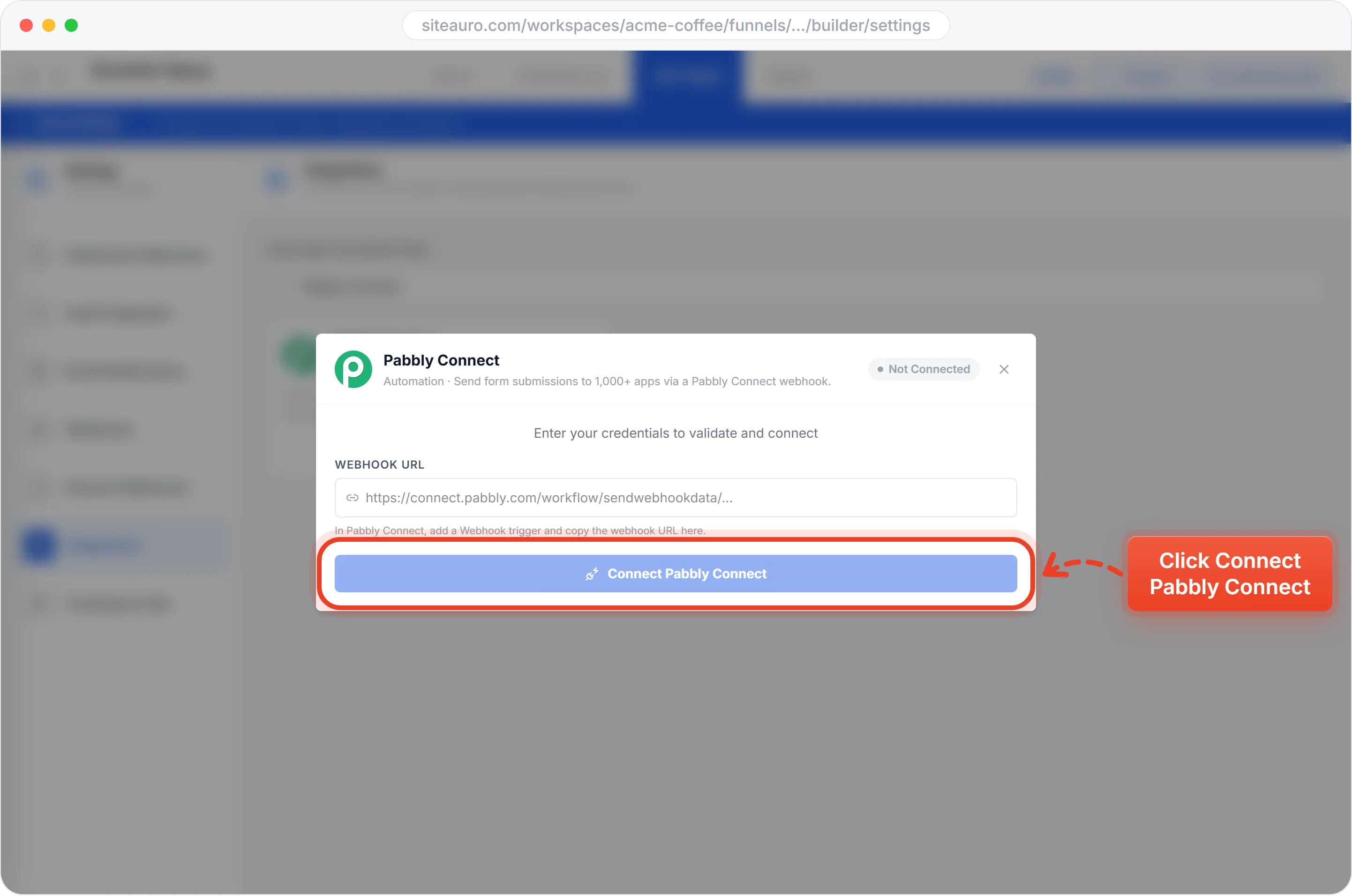
- In Pabbly Connect, add a Webhook trigger and copy its webhook URL.
- In SiteAuro, click Connect on Pabbly Connect, paste it into Webhook URL and click Connect Pabbly Connect.
HubSpot
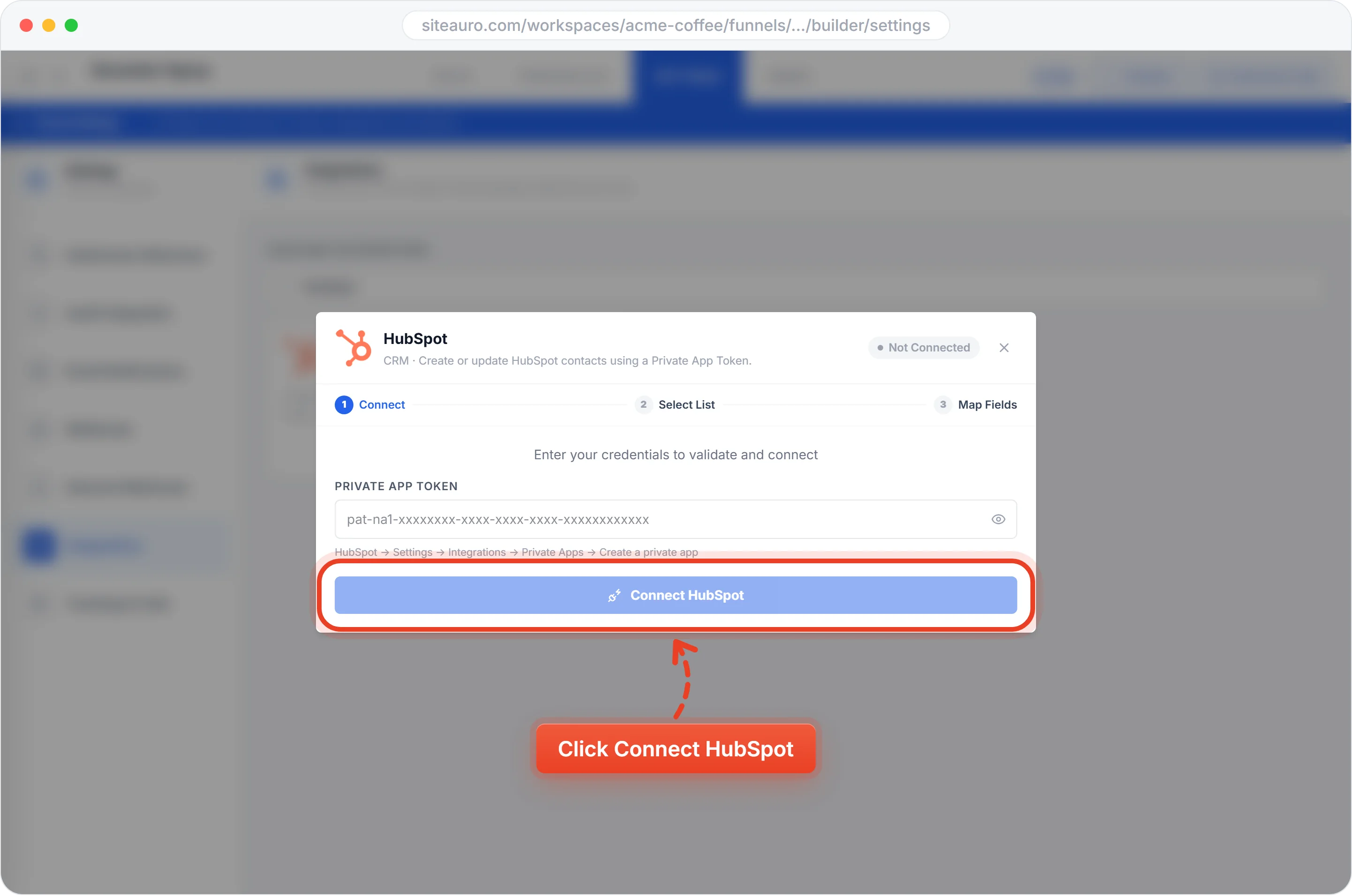
- In HubSpot, go to Settings, Integrations, Private Apps, and create a private app. Copy its token.
- In SiteAuro, click Connect on HubSpot, paste it into Private App Token and click Connect HubSpot.
- Choose the list, then map the fields.
HubSpot contacts are created or updated from each submission.
GoHighLevel
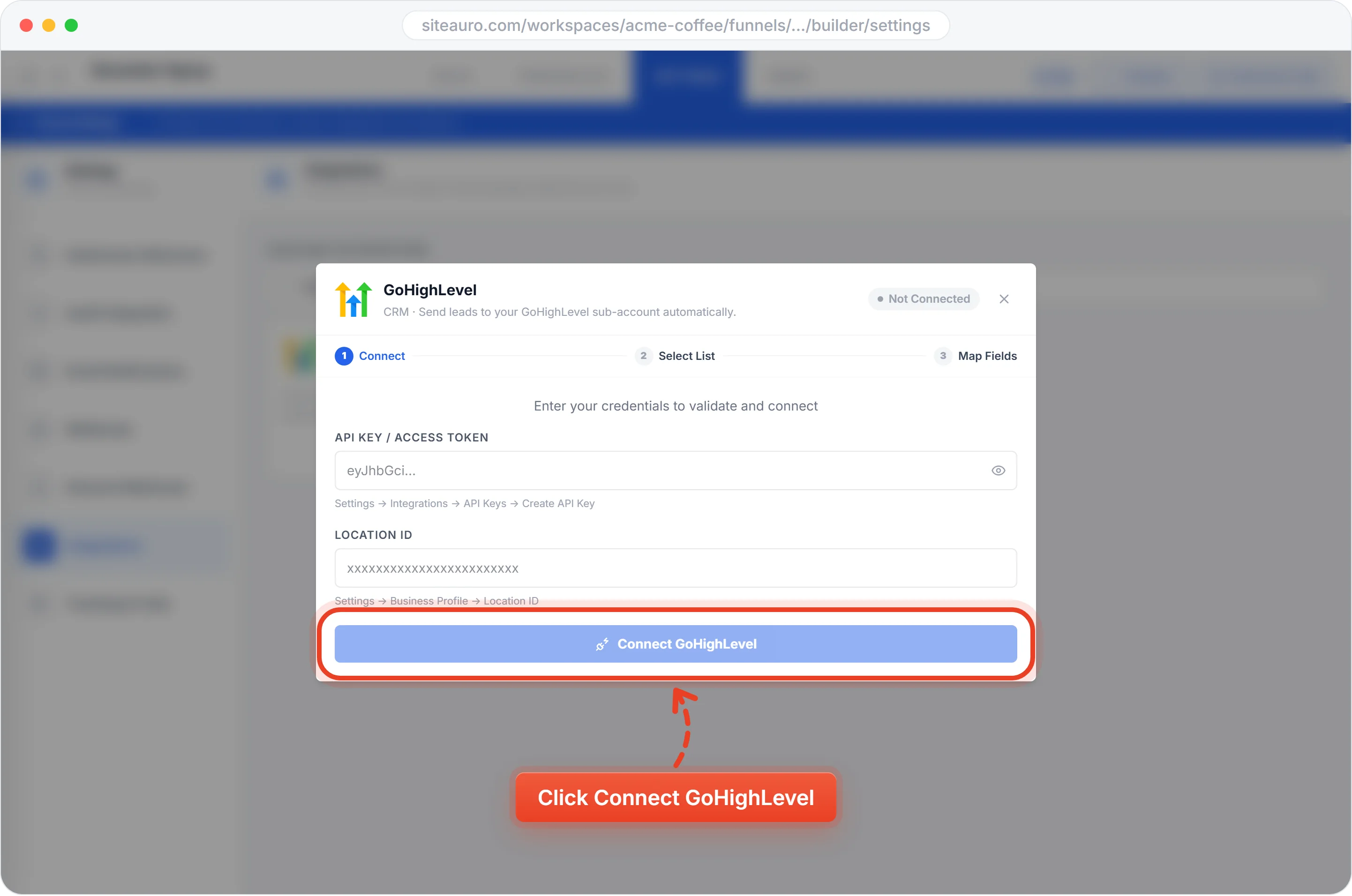
- In GoHighLevel, go to Settings, Integrations, API Keys, and create an API key. Then copy your Location ID from Settings, Business Profile.
- In SiteAuro, click Connect on GoHighLevel, fill in API Key / Access Token and Location ID, and click Connect GoHighLevel.
- Choose where the leads go, then map the fields.
Mailchimp
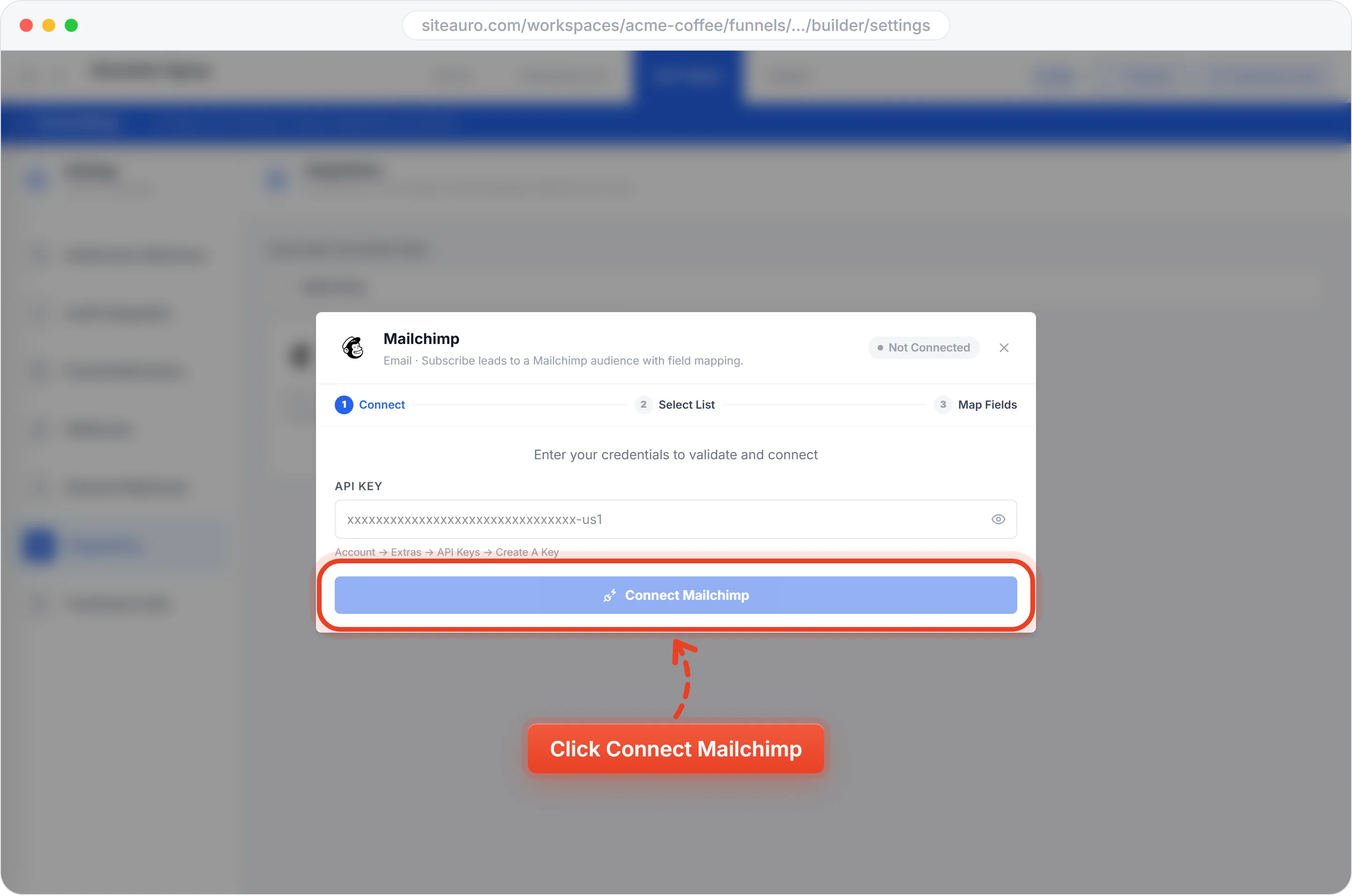
- In Mailchimp, go to Account, Extras, API Keys, and create a key.
- In SiteAuro, click Connect on Mailchimp, paste it into API Key and click Connect Mailchimp.
- Choose the audience, then map the fields. Mailchimp needs the email address.
ActiveCampaign
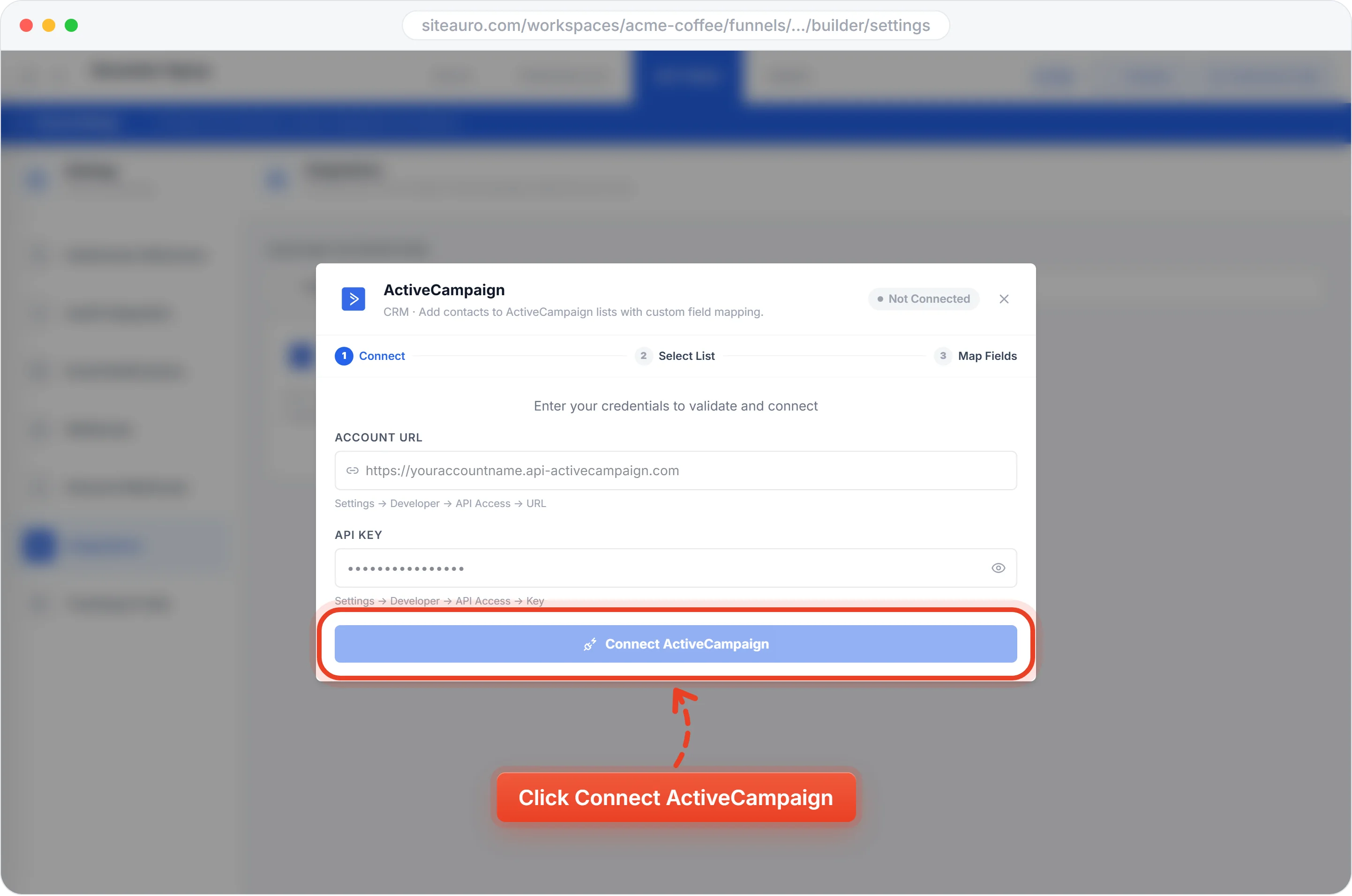
- In ActiveCampaign, go to Settings, Developer, API Access, and copy the URL and the Key.
- In SiteAuro, click Connect on ActiveCampaign, fill in Account URL and API Key, and click Connect ActiveCampaign.
- Choose the list, map the fields, and add tags if you like.
Kit
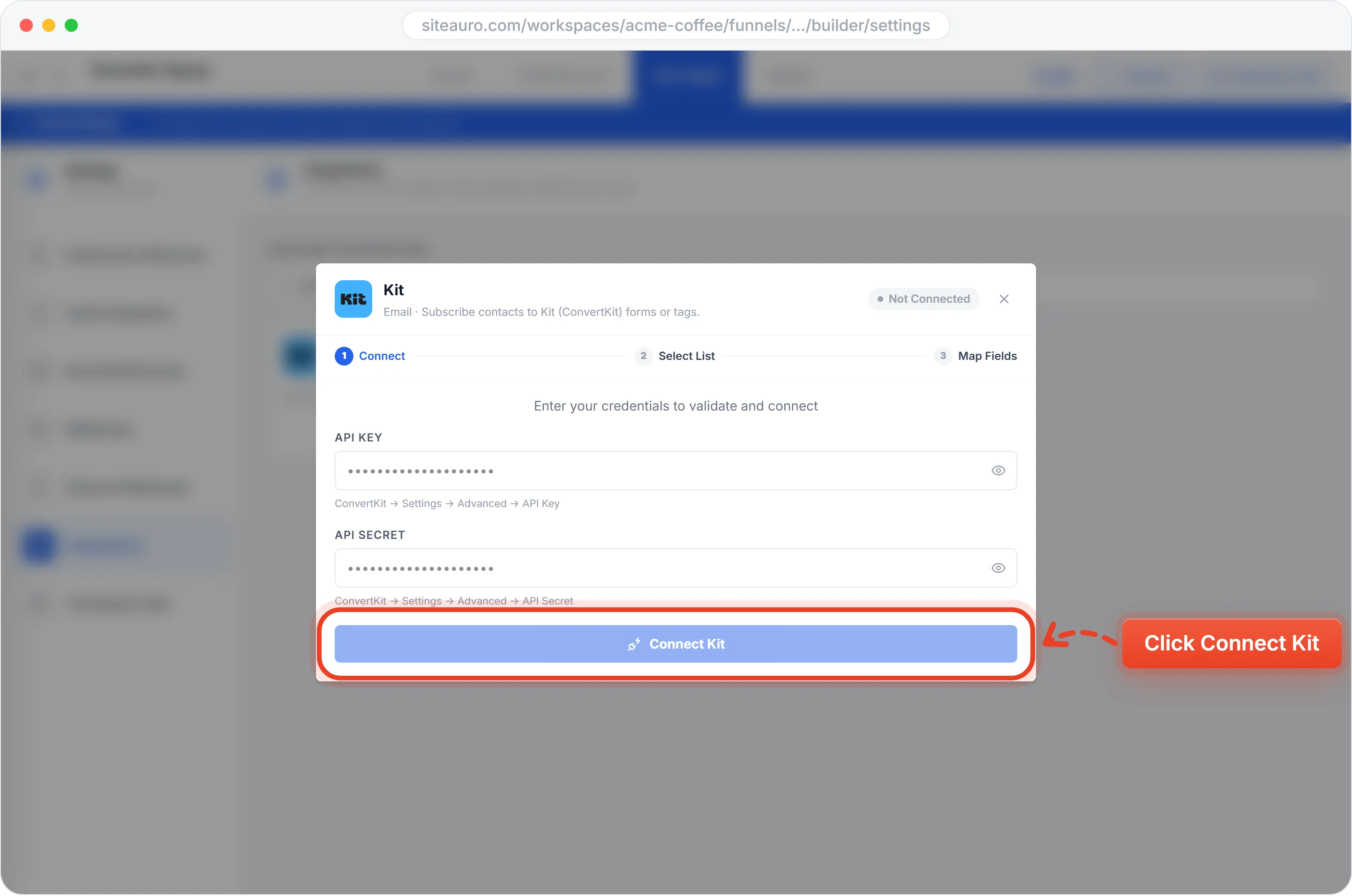
- In Kit (ConvertKit), go to Settings, Advanced, and copy the API Key and the API Secret.
- In SiteAuro, click Connect on Kit, fill in both, and click Connect Kit.
- Choose the form or tag, then map the fields.
SiteAuro checks the details as it connects, by reaching the tool with them. If they are wrong, the connection isn't made and nothing is sent.
Manage a Connection
Open the connection in Integrations to:
- Send a test record.
- Pause it, so nothing is sent until you resume it.
- Change API Key, without losing the list and field settings.
- See the Delivery Logs: each submission sent, and whether it arrived. A failed one can be retried.
- Disconnect it. The delivery logs are kept.
Next Step
Connect Zapier reaches thousands more apps. To measure a funnel in Google Analytics, Meta or LinkedIn, see Tracking & Code.