A landing page audit checks a single page for what makes visitors act or leave: its SEO, speed, trust, tracking and conversion. With AI analysis on, it also looks at a screenshot of the page through the LIFT model: value, relevance, clarity, urgency, anxiety and distraction.
Run One
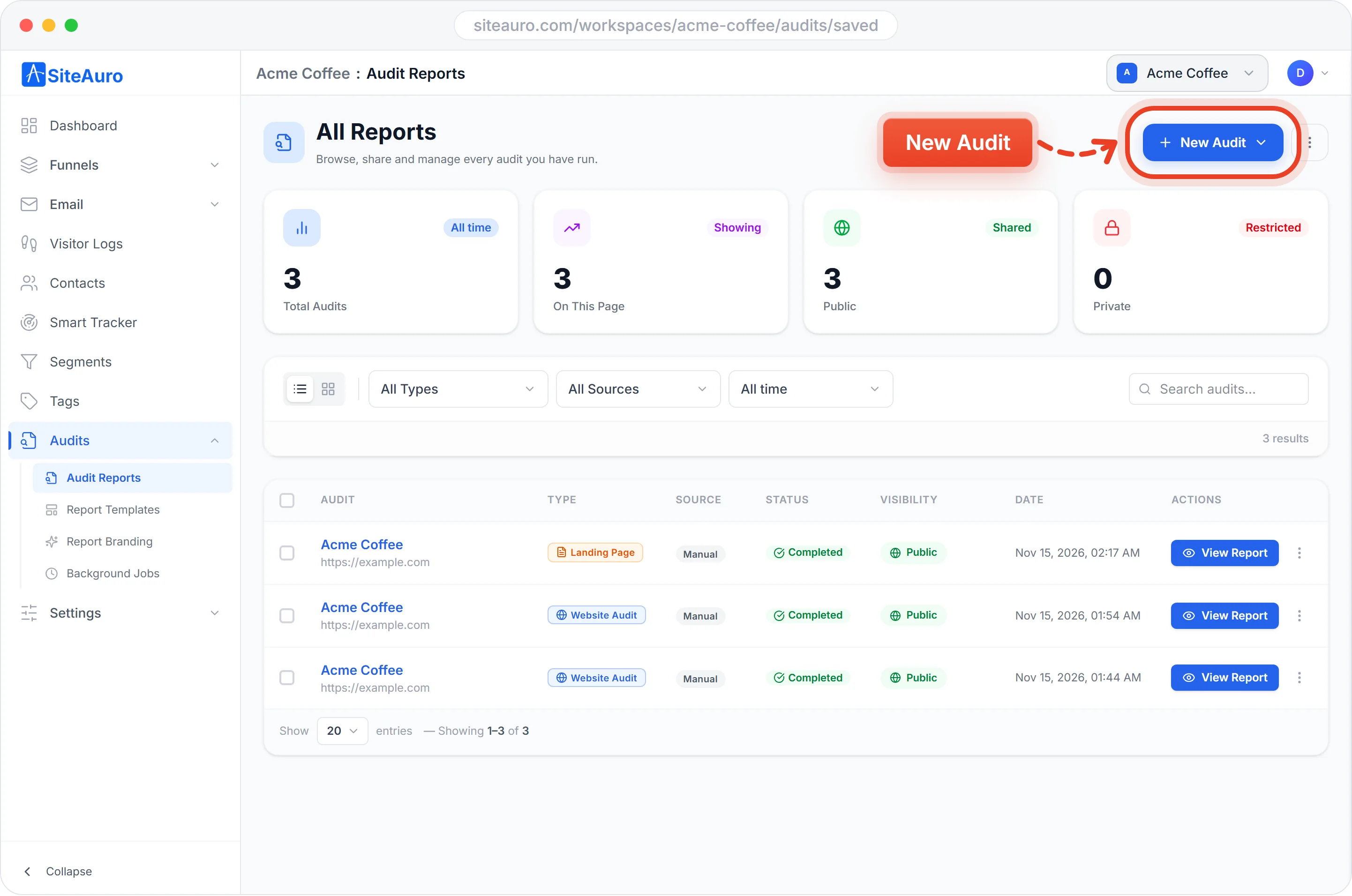
Click New Audit
In Audits, open Audit Reports and click New Audit at the top right.
New Audit. Then choose Landing Page Audit.
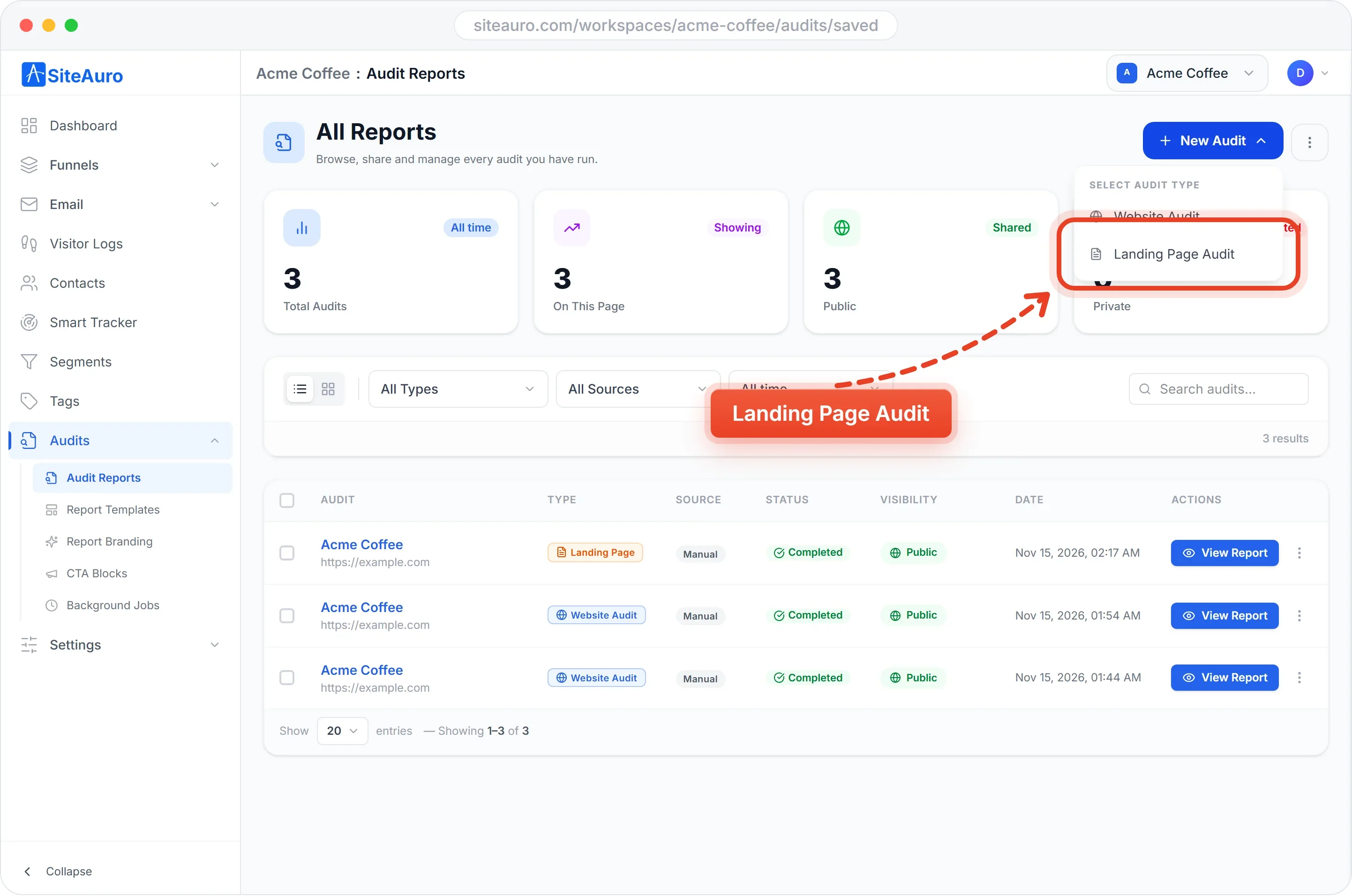
Choose Landing Page Audit. Fill in the details
Type the Company Name and the Landing Page URL. Generated For (contact name, email address and phone number) is optional and appears in the report.
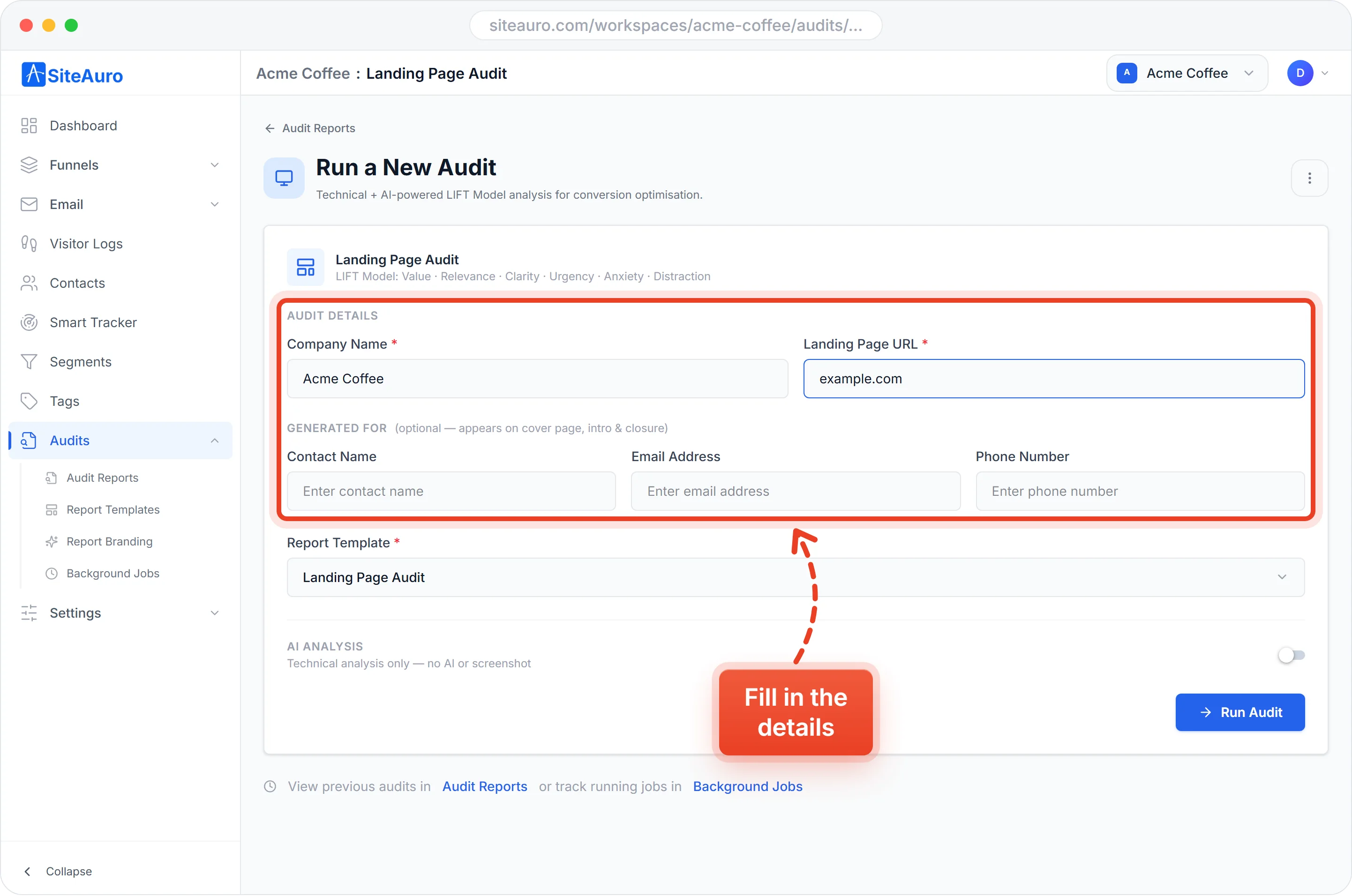
Fill in the details. Choose a template
Report Template lists your landing page templates, with the default already chosen.
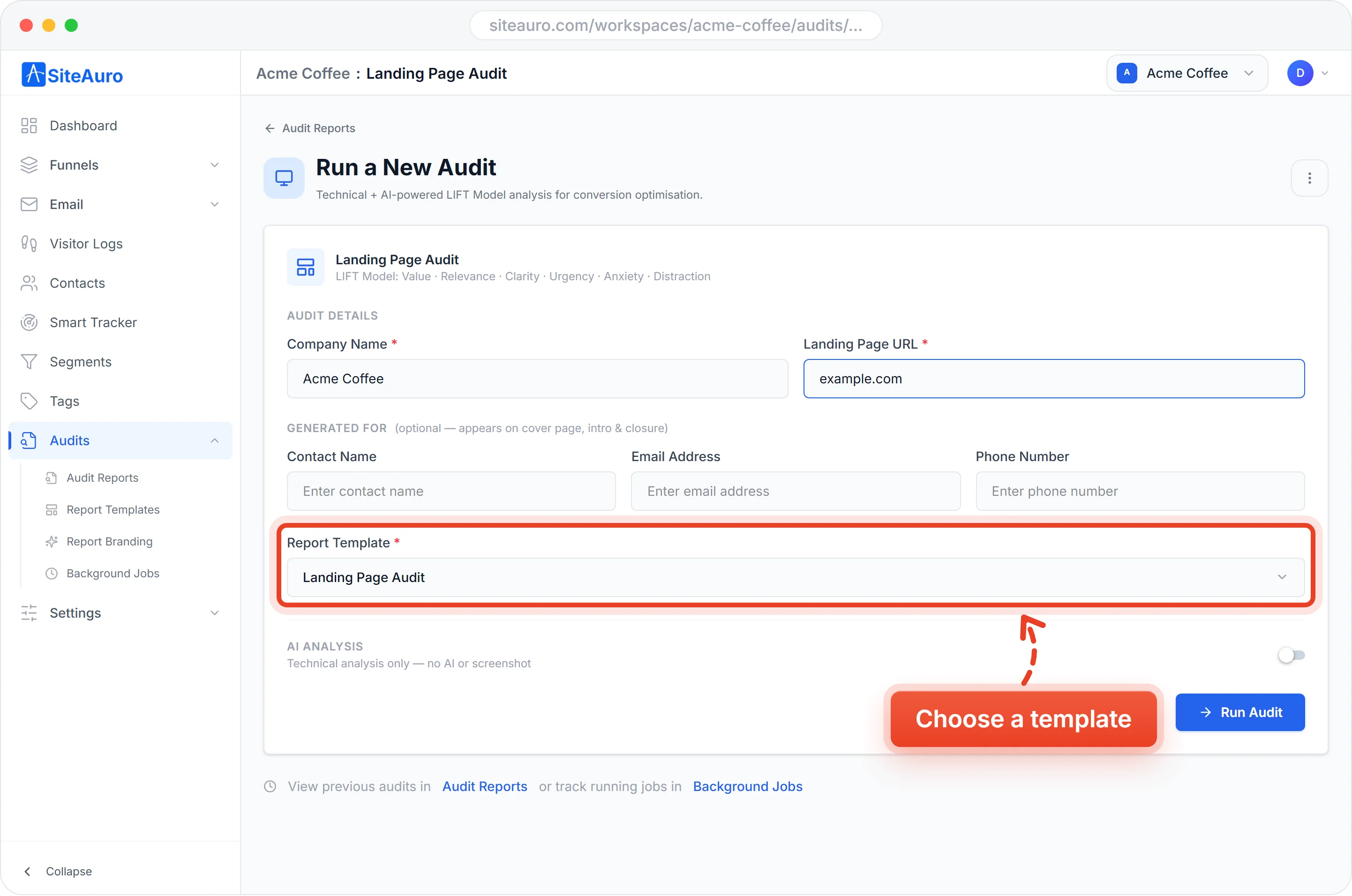
Report Template. Choose whether to use AI
AI Analysis is off unless you switch it on. Off, the audit is a technical check only, with no screenshot. On, it takes a screenshot of the page and adds a LIFT model review.
With AI on, choose the Page Goal, such as Lead Generation or Direct Purchase, the Target Audience, such as B2B (Business), and the Analysis Model. Only the models your workspace has a key for are listed: see AI Settings. If your workspace has no AI set up yet, switch AI analysis off to run the technical check alone.
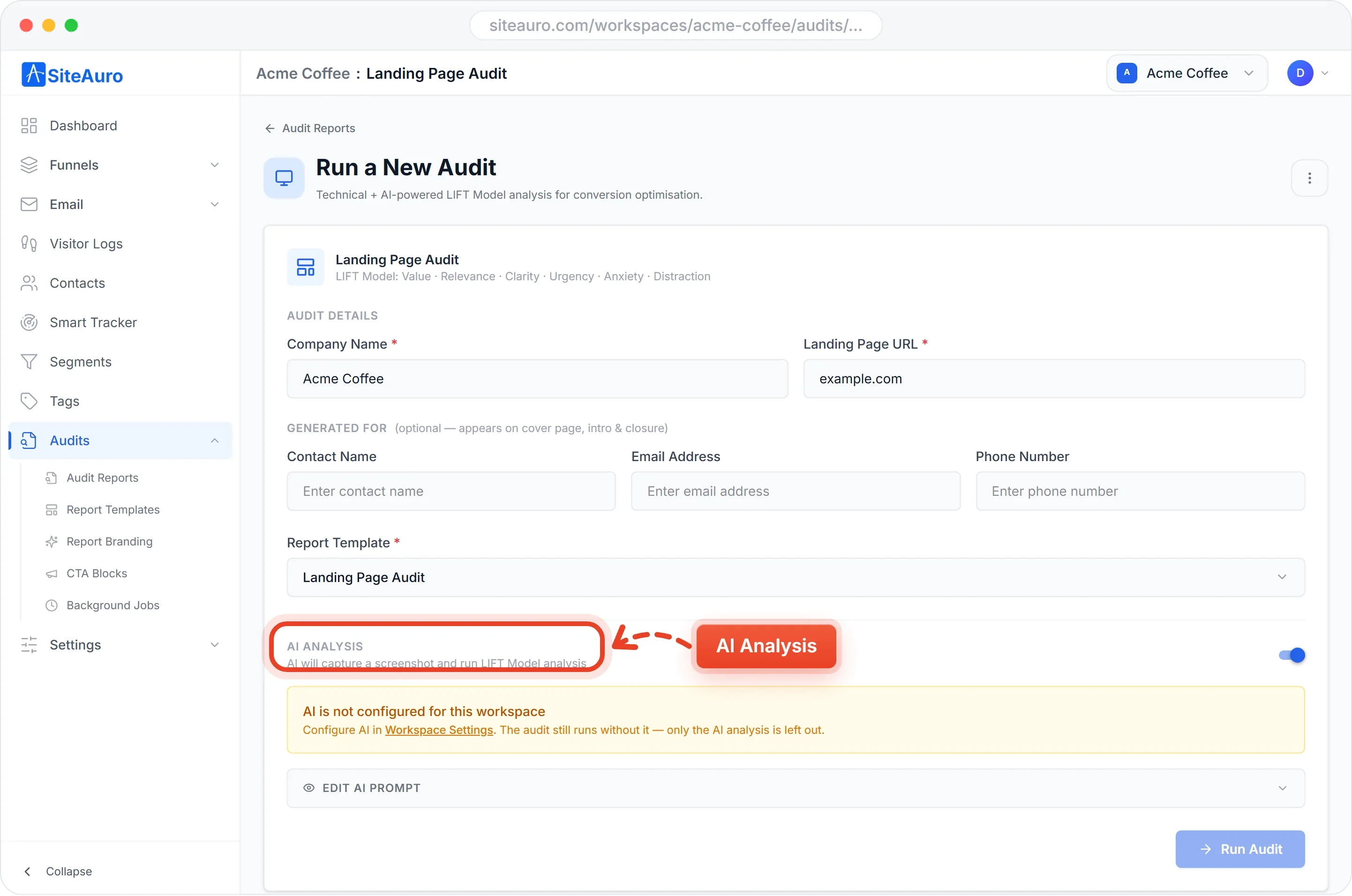
AI Analysis switched on. Click Run Audit
When it's finished, click View Report.
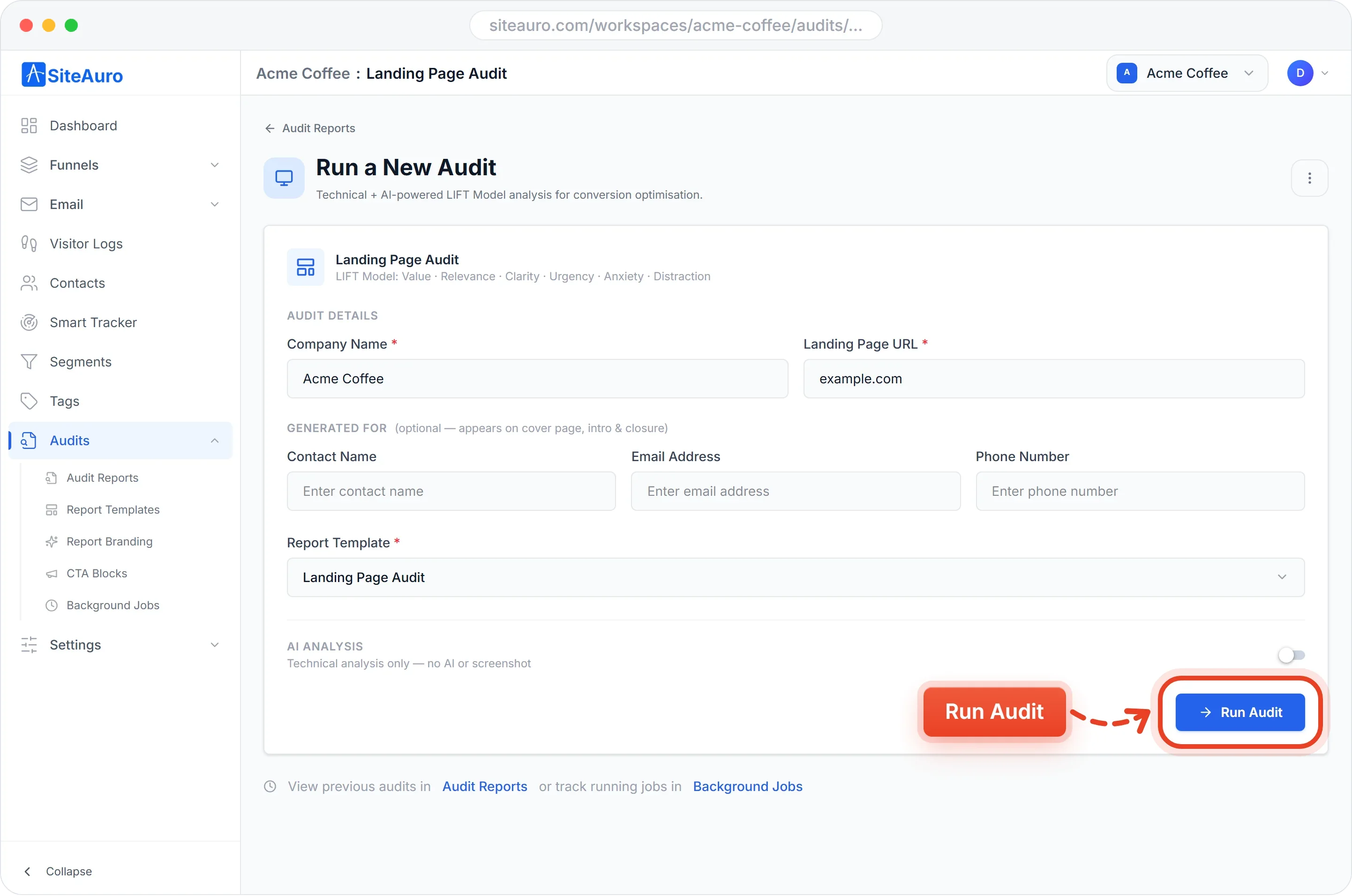
Run Audit.
Edit AI Prompt shows the instructions the AI is given. You can change them for this audit, and Reset to default puts them back.
What the Report Shows
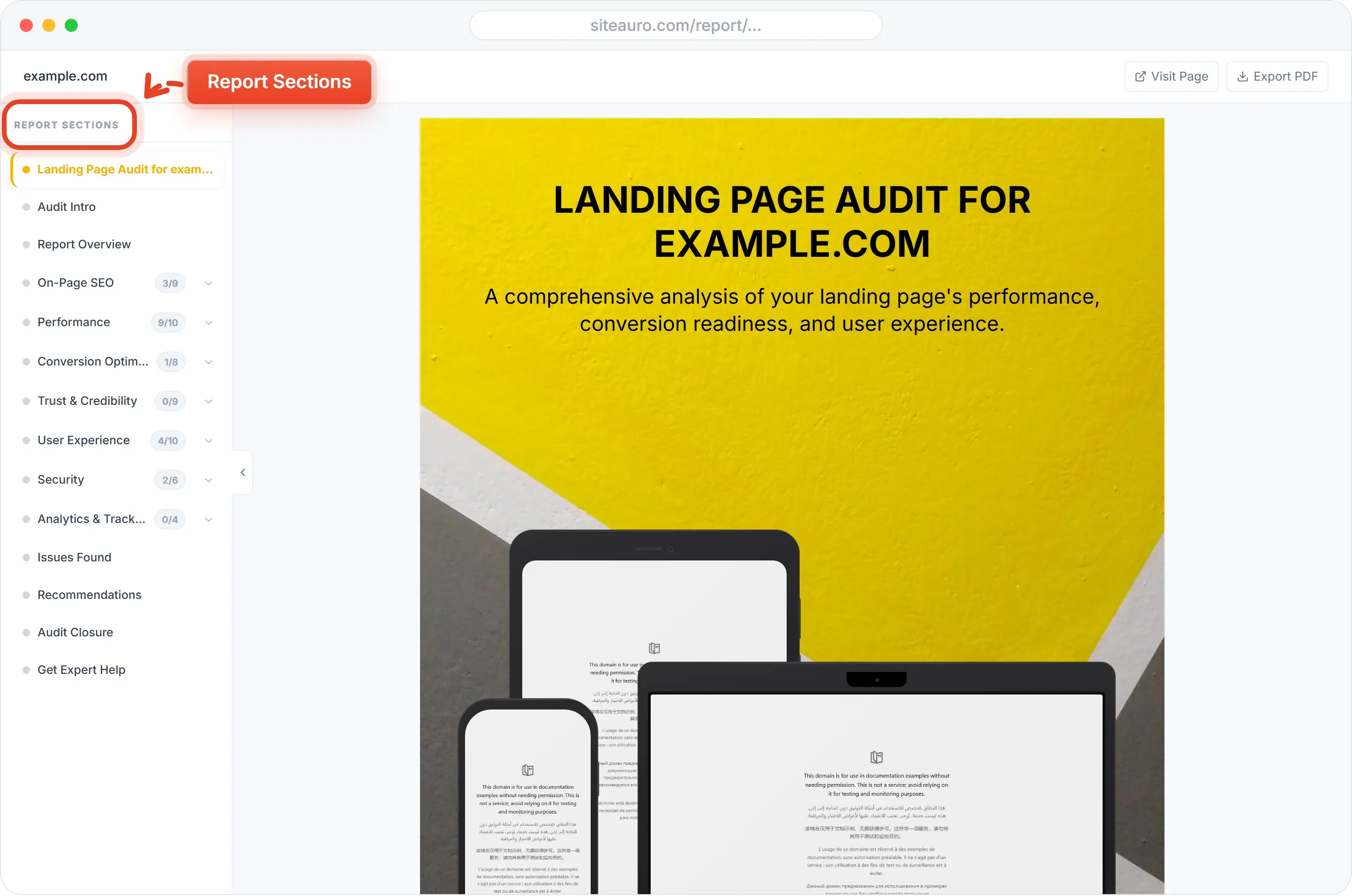
The report scores On-Page SEO, Performance, Conversion Optimisation, Trust & Credibility, User Experience, Security and Analytics & Tracking. With AI on, it adds the LIFT Model Analysis and the AI's own page.
If the AI part couldn't finish, the audit is still saved with the technical checks, and you see Audit saved, but AI analysis failed.