
In SiteAuro, everything you build to show to your website's visitors is a funnel. There are three kinds, and you choose one when you create it.
To start one, open Funnels in the menu and click Create funnel. The first thing it asks is which kind you are building.
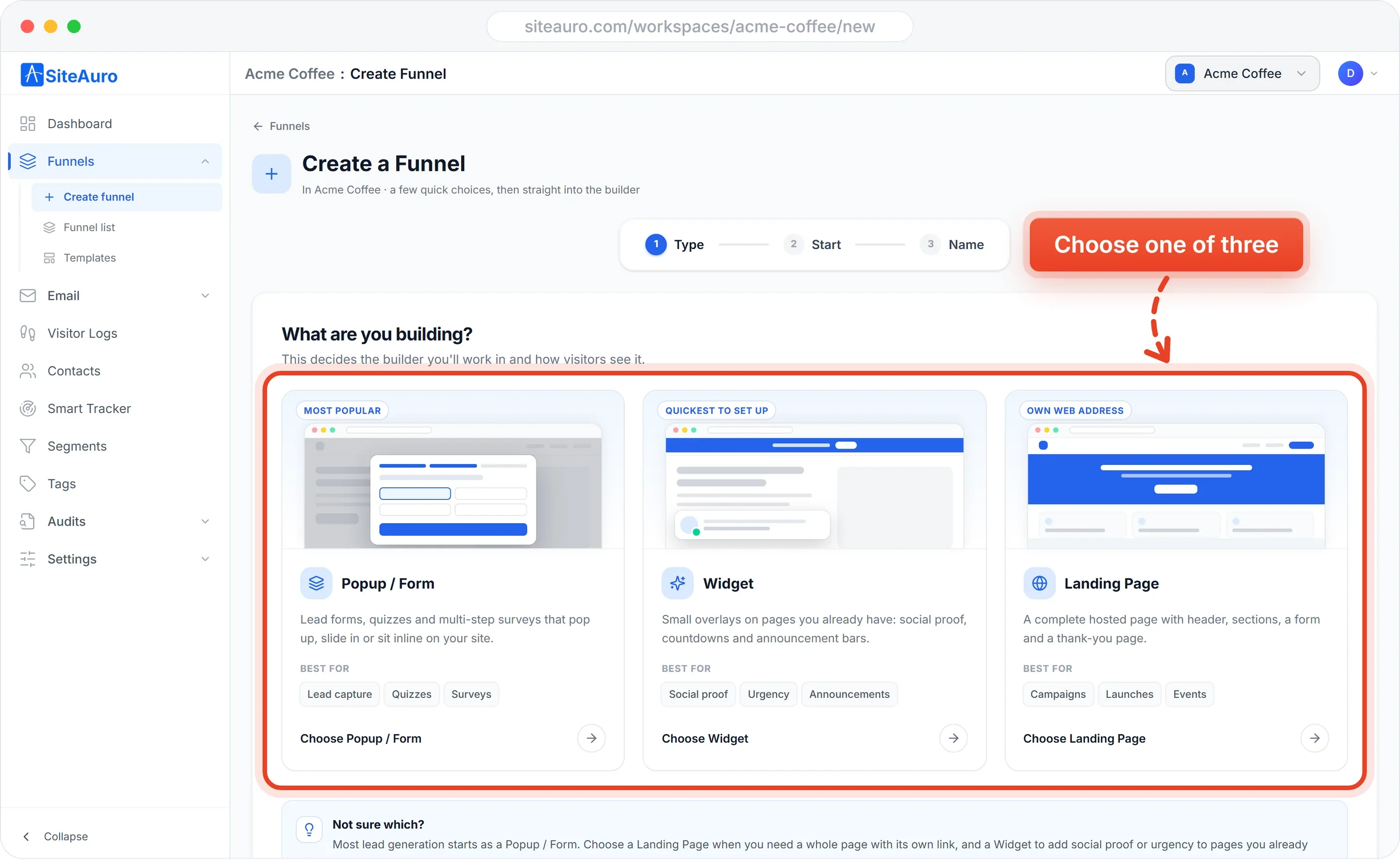
| Kind | What it is | Good for |
|---|---|---|
| Popup / Form | Lead forms, quizzes and multi-step surveys that pop up, slide in or sit inline on your site. | Lead capture, quizzes, surveys |
| Widget | Small overlays on pages you already have: social proof, countdowns and announcement bars. See Create a Widget. | Social proof, urgency, announcements |
| Landing Page | A complete page with its own web address, with a header, sections, a form and a thank-you page. | Campaigns, launches, events |
Popups and widgets appear on your own website through the SiteAuro pixel. A landing page has its own address, so it works even without the pixel.
Smart or Standard
A popup or form is built one of two ways. You choose when you create it:
- Smart asks one question at a time, with a visual flow that can branch on each answer. Longer forms feel shorter this way, and it suits most lead generation.
- Standard puts every element on one canvas, over one or more pages, with free-form layout and columns. It suits short forms and offers.
Where to find them
Open Funnels in the menu:
- Create funnel starts a new one. See Create Your First Popup.
- Funnel list shows every funnel in the workspace.
- Templates has ready-made designs to start from.
What a funnel collects
When a visitor submits a funnel, their answers are saved as a response. If they give an email address, they also become a contact, with the pages they viewed before. Each funnel also counts how many times it was shown and submitted, which you see on the workspace dashboard.